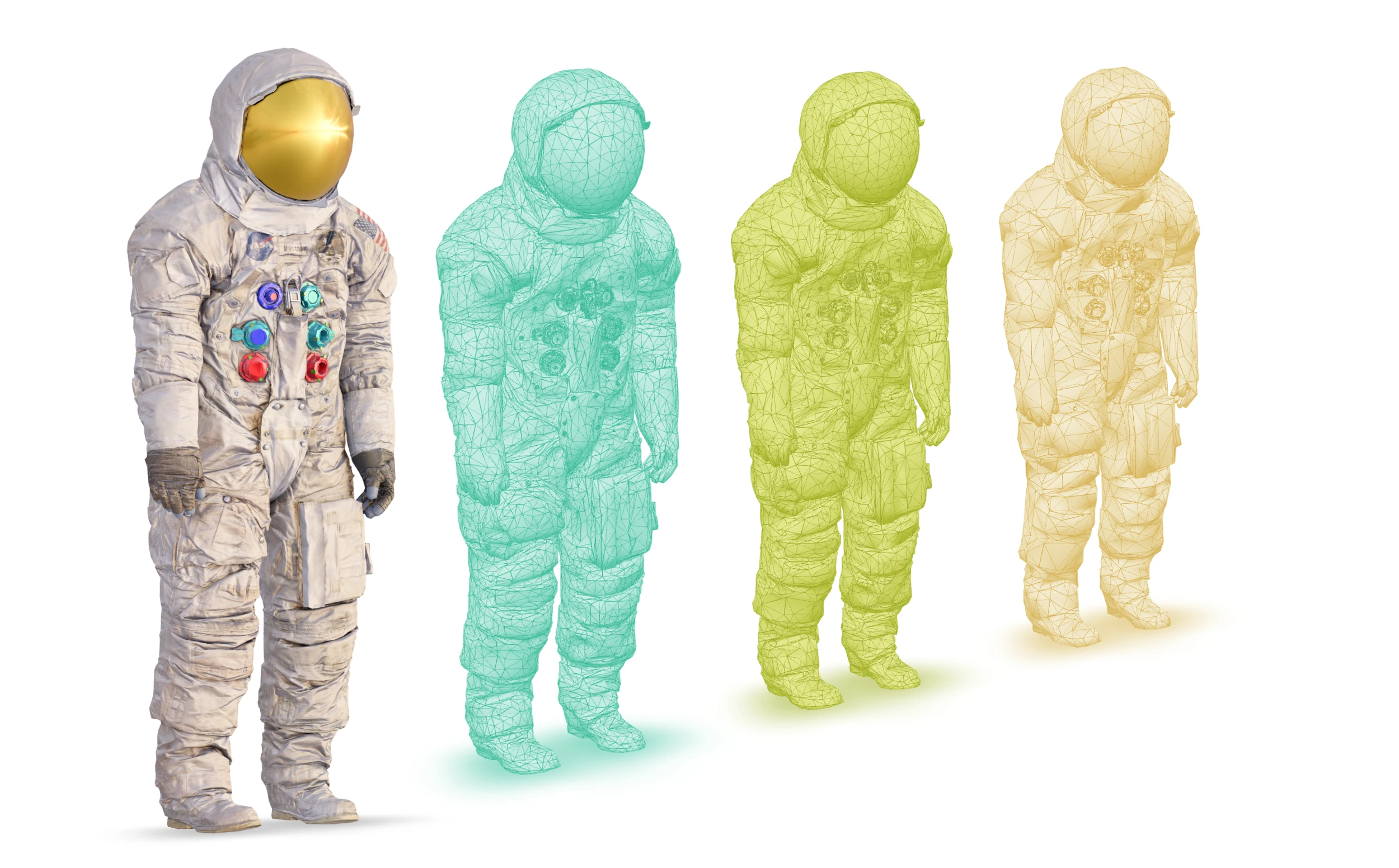
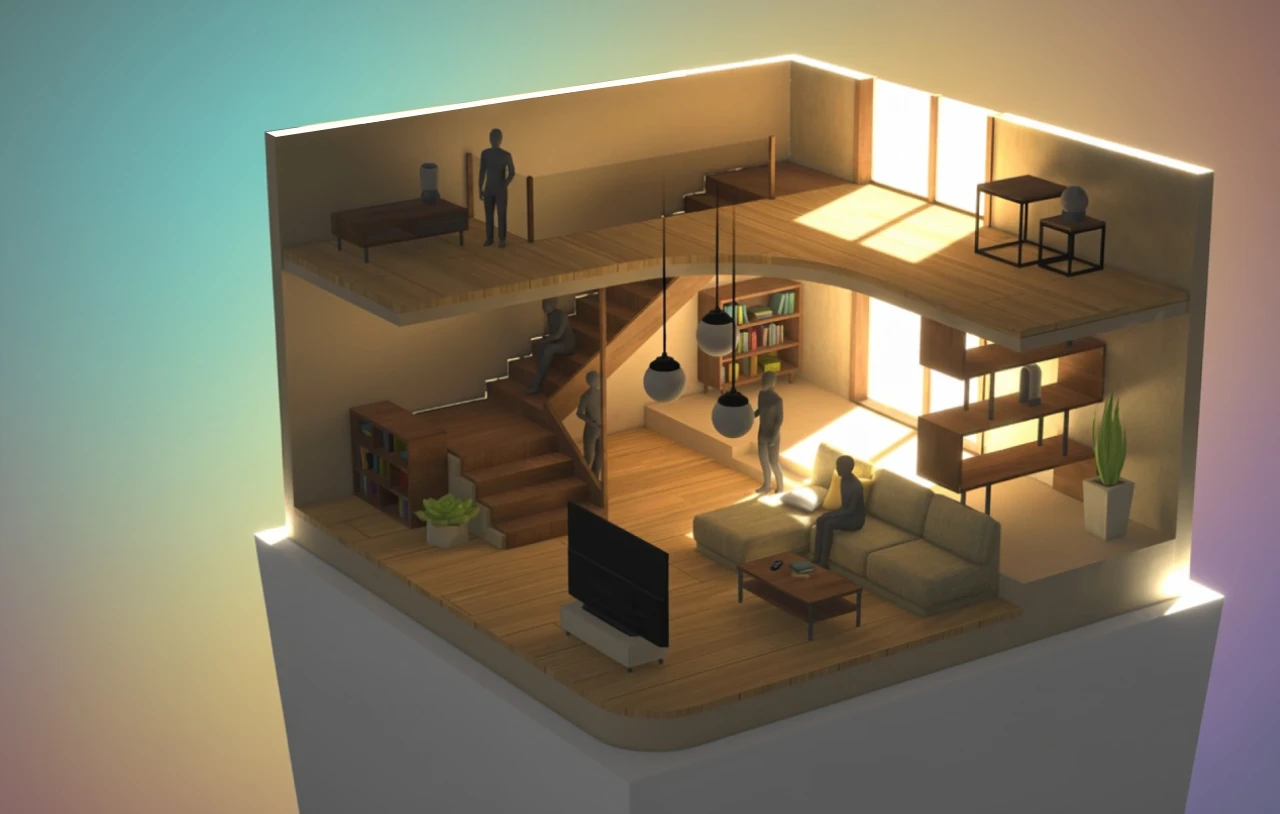
Turn 3D models into interactive WebP images.
The WebP displays immediately as a regular image. The open-source viewer adds interaction with minimal rendering overhead and weighs about 37 kB (Brotli-compressed).
Use Image 3D in product galleries, portfolios, or anywhere you want a preview while the full model loads. Needle Cloud uses it in grid view and during model loading.
Live captures support changes to the camera and lighting. The scrolling scene on the Needle Cloud landing page moves the camera across a collection of Image 3D captures.
Try it below. Hover or touch a thumbnail to explore its Image 3D preview, or open a card to load the full model.
Create one in Needle Cloud
Open a model’s edit page and choose Versions → Run workflow → Create Image3D. You can also choose Create Image3D under Workflow during upload. When processing finishes, open the Image 3D variant under Versions to preview it, copy its link, or download the WebP.
Embed it on your website
Use your hosted WebP as the source of a regular HTML image. Add the Image 3D viewer script and the data-img-3d attribute to make it rotatable. You can opt into studio lighting or automatic rotation with attributes. The WebP still displays when JavaScript is unavailable.
<script type="module"
  src="https://cdn.jsdelivr.net/npm/@needle-tools/[email protected]/dist/img-3d.js">
</script>
<img
  src="your-capture.webp"
  alt="Interactive preview of your model"
  data-img-3d
  data-environment="studio"
  data-auto-rotate>