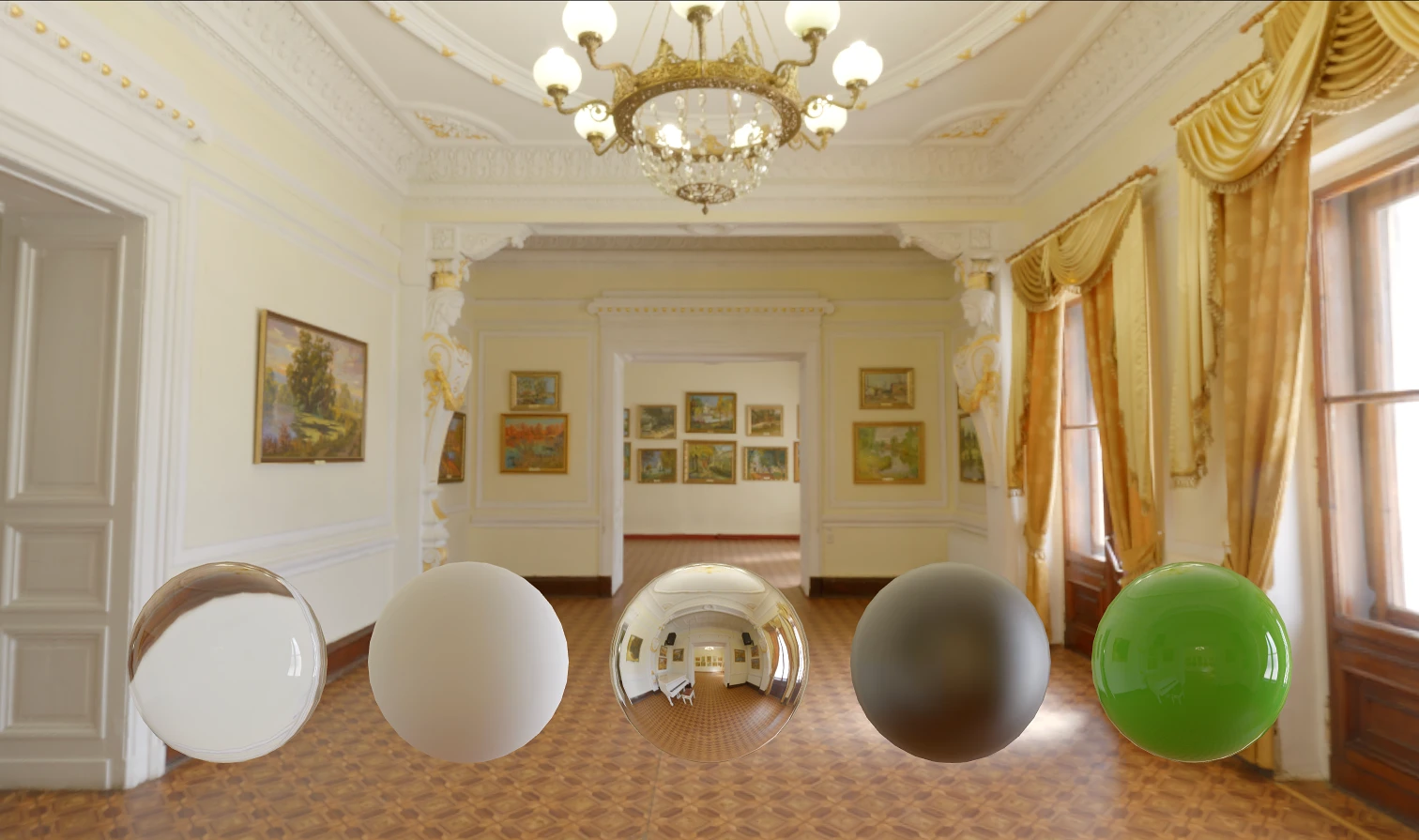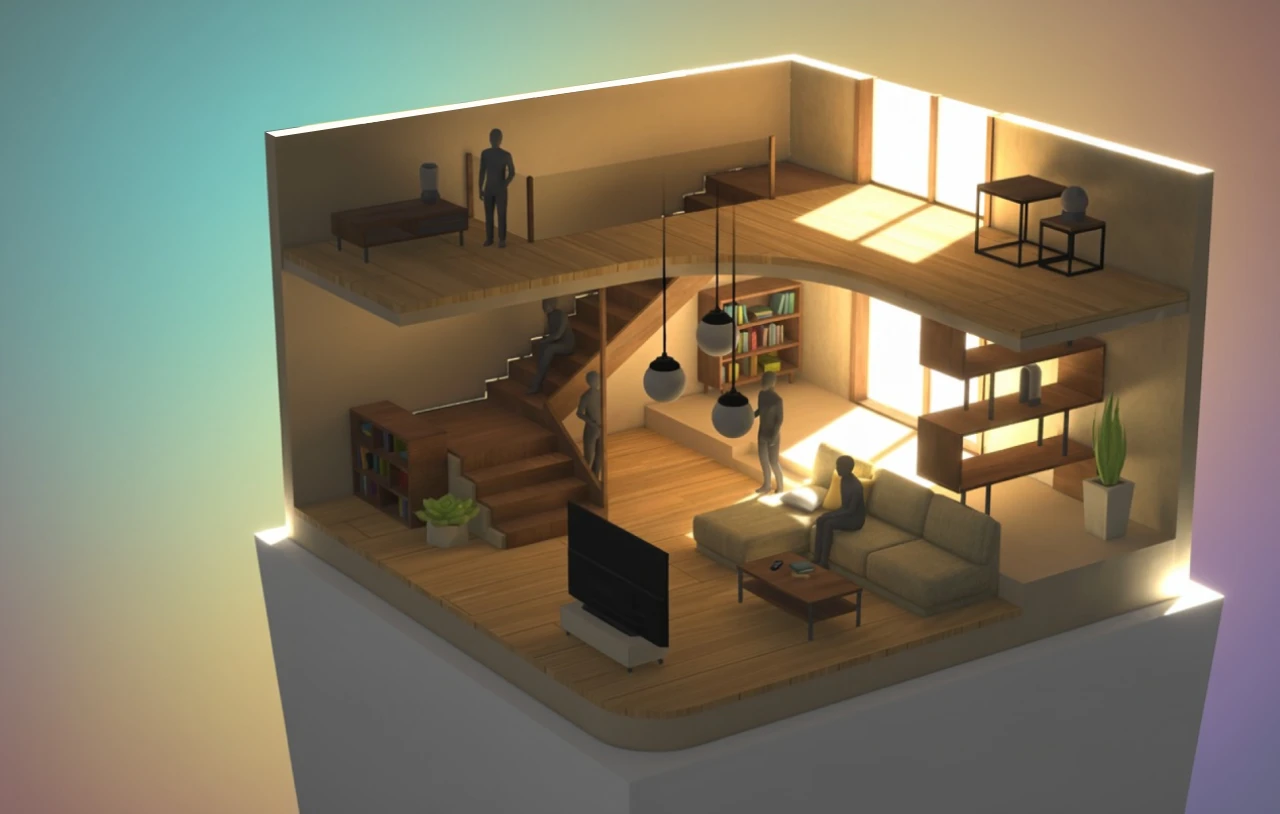
Detailed 3D models look great — and load slowly. By default, a browser has to download an entire glTF or GLB file before it can render anything. For a multi-megabyte asset, that means your users stare at a spinner.
We built a fix: @needle-tools/gltf-progressive, a small library that streams models the way modern images load — a light version appears almost instantly, full detail arrives in the background. It works with Google’s <model-viewer>, plain three.js, React Three Fiber, and (out of the box) Needle Engine.
Here it is running live in <model-viewer>:
Original size: 17.4 MB. Compressed: 6 MB. With gltf-progressive: 715 KB initial download + streamed detail.
How progressive loading works
Instead of one monolithic file, the model is split into quality levels — like progressive JPEG, but for geometry and textures:
- A light version loads first. Heavily compressed and simplified, but it keeps the model’s shape and look. It’s on screen and interactive within seconds, even on slow connections.
- Detail streams in the background. Full-resolution textures and geometry load while the user is already looking at (and rotating, and zooming) the model.
- Quality swaps are invisible. Levels of detail are chosen per object based on how large it appears on screen, and replaced without interruption.
The final quality is identical — only the waiting disappears.
Add it to <model-viewer> — one script tag
No code changes, no new API. Include the script, and progressive loading is enabled for every compatible model on the page. Models that weren’t processed for streaming simply load the normal way.
<!DOCTYPE html>
<html>
  <head>
    <title>Progressive Loading with Needle and model-viewer</title>
    <meta name="viewport" content="width=device-width, initial-scale=1.0">

    <!-- 1. Importmap for three.js, a dependency of model-viewer -->
    <script type="importmap">
      {
        "imports": {
          "three": "https://cdn.jsdelivr.net/npm/three/build/three.module.js",
          "three/": "https://cdn.jsdelivr.net/npm/three/"
        }
      }
    </script>

    <!-- 2. The <model-viewer> web component -->
    <script
      type="module"
      src="https://ajax.googleapis.com/ajax/libs/model-viewer/4.0.0/model-viewer.min.js"
    ></script>

    <!-- 3. Needle gltf-progressive. This enables progressive loading. -->
    <script
      type="module"
      src="https://cdn.jsdelivr.net/npm/@needle-tools/gltf-progressive@latest/gltf-progressive.min.js"
    ></script>
  </head>

  <body>
    <!--
      The model-viewer tag is standard. The src model has been processed by
      Needle Cloud to support progressive streaming.
    -->
    <model-viewer
      src="https://cloud.needle.tools/-/assets/Z23hmXB2oYehK-2oYehK-world/file"
      ar
      shadow-intensity="1"
      camera-controls
      touch-action="pan-y"
      auto-rotate
      max-camera-orbit="auto 90deg auto"
    ></model-viewer>

    <style>
      html, body { margin: 0; padding: 0; width: 100%; height: 100%; }
      model-viewer {
        width: 100%;
        height: 100%;
        background-color: #f0f0f0;
      }
    </style>
  </body>
</html>
Getting progressive assets: Needle Cloud
Progressive loading needs assets that actually contain multiple levels of detail. Building those by hand means mesh decimation, texture resizing, and compression tuning — exactly the work you don’t want to own.
Needle Cloud does it automatically. Upload a model (glTF, GLB, FBX, USD, OBJ, VRM…) and the pipeline:
- generates up to six mesh LODs plus progressive texture resolutions,
- compresses meshes with Draco (static) and Meshopt (animated), and textures with KTX2/Basis Universal or WebP,
- preserves normal maps, roughness and alpha channels through the process,
- and gives you a single CDN URL that streams all of it.
The workflow: sign up free → drag your file onto cloud.needle.tools → copy the URL into your src. That’s the whole integration. (More detail in our optimization pipeline article.)
Using it with three.js directly
npm i @needle-tools/gltf-progressiveimport { GLTFLoader } from 'three/examples/jsm/loaders/GLTFLoader.js';
import { useNeedleProgressive } from '@needle-tools/gltf-progressive';
const url = "https://cloud.needle.tools/-/assets/Z23hmXBZN45qJ-ZN45qJ-world/file";
const gltfLoader = new GLTFLoader();
// register the gltf-progressive plugin
useNeedleProgressive(gltfLoader, renderer);
gltfLoader.load(url, gltf => {
scene.add(gltf.scene);
});React Three Fiber
import { useGLTF } from '@react-three/drei';
import { Canvas, useThree } from '@react-three/fiber';
import { useNeedleProgressive } from '@needle-tools/gltf-progressive';

function Model() {
  const { gl } = useThree();
  const url = 'https://cloud.needle.tools/-/assets/Z23hmXBZN45qJ-ZN45qJ-world/file';
  const { scene } = useGLTF(url, false, false, (loader) => {
    useNeedleProgressive(loader, gl);
  });
  return <primitive object={scene} />;
}

function App() {
  return (
    <Canvas>
      <Model />
    </Canvas>
  );
}
Needle Engine
Needle Engine includes progressive loading by default — along with physics, networking, and XR. If you’re building a full interactive experience rather than embedding a single model, start there.
Try it on your own model
Upload your heaviest asset to Needle Cloud — the free tier includes 30 optimizations — and drop the resulting URL into the <model-viewer> snippet above. Watching your own 17 MB model appear in under a second makes a better argument than this article can.
Optimize your first model — free